

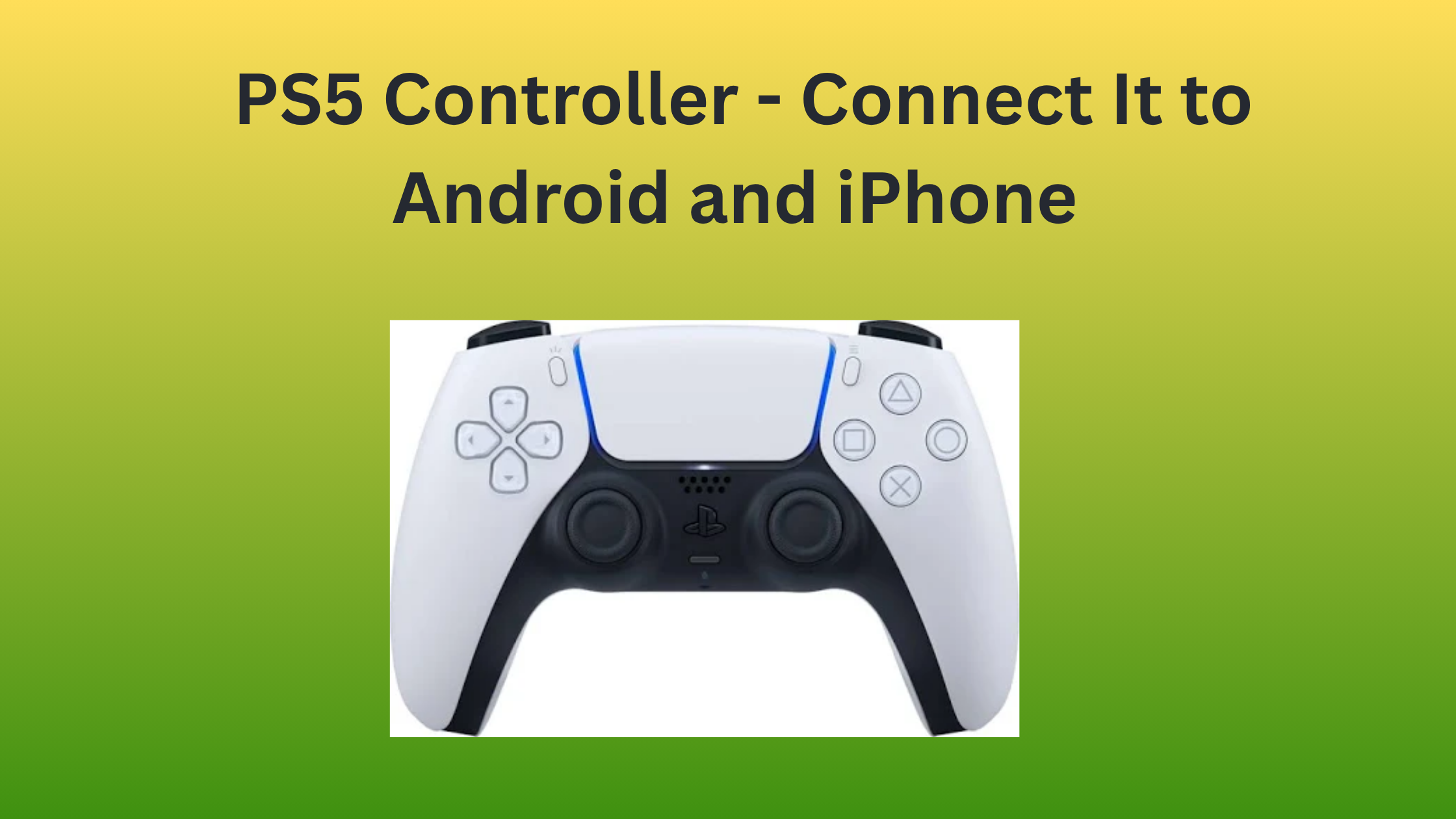
Connecting the PS5 Controller to a phone is something a lot of people want to do, but unfortunately, they are unaware of how to connect PS5 Controller to iPhone or to an Android device.
In this blog, we will guide you through the exact steps you need to connect both devices.
Connecting wireless controllers to an Android device
Initiate the connection of your controller with an Android device by swiping down from the top of your phone’s screen and viewing the Quick Settings panel. Locate the Bluetooth icon and tap it to enable Bluetooth functionality.
You are supposed to hold the PS button along with the Create button, and you need to keep holding till you see the light bar blinking.
Finally, open the Bluetooth settings on your Android phone, then click on the PS5 controller in the list of available devices to complete pairing.
Connecting wireless controllers to an iPhone
To connect PS5 controller to iPhone, unlock your iPhone®. Likewise, you can unlock your iPad and swipe upwards from the bottom of the home screen to open the app drawer, then tap the Settings app icon. In Settings, tap on Bluetooth and ensure it is set to On.
Then immediately take your controller and press and hold both the PlayStation icon and the Create button. Keep holding these buttons until you start to see the light bar begin to blink.
Find the PS5 controller in the Bluetooth devices list so that you can tap on it to establish a connection. After a successful pairing, the light bar of the controller glows steadily.