

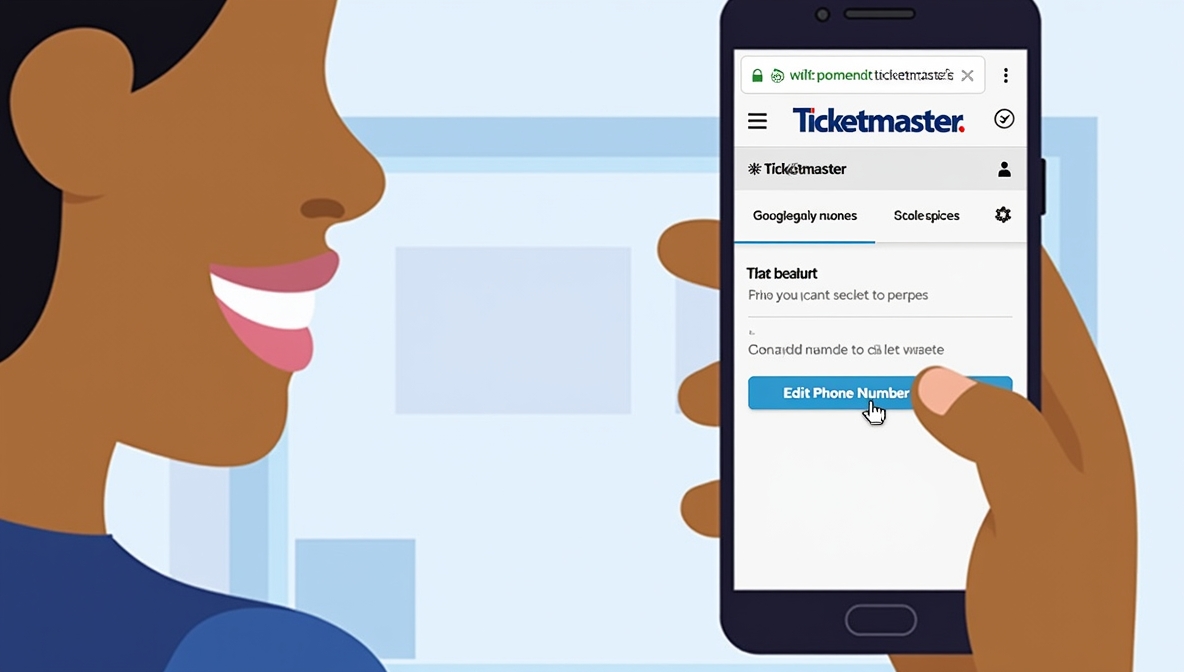
When it comes to buying or selling tickets online, Ticketmaster is one of the most trusted platforms worldwide. It gives you easy access to concerts, sports events, theater shows, and more. But to make the most of your account — and ensure smooth communication — you need to keep your personal details, especially your phone number, up to date.
If you’ve been wondering how do you edit your phone number on Ticketmaster or how to add my phone number to Ticketmaster, you’re in the right place. This guide will walk you through everything you need to know, from why your phone number matters to step-by-step instructions for updating it.
Why Your Phone Number Matters on Ticketmaster
Your phone number is more than just a contact detail on Ticketmaster — it plays a key role in ensuring your account stays secure and you never miss important updates. Here’s why it matters:
- Account Security
Ticketmaster often uses your phone number for two-factor authentication (2FA). When you log in from a new device, you may receive a code via SMS to confirm it’s really you. - Event Alerts
Sometimes, event organizers send time-sensitive updates about schedule changes, entry requirements, or cancellations. Having your phone number ensures you receive these instantly. - Ticket Delivery
Some mobile tickets require text message confirmation or are sent directly to your phone number. - Buying and Selling Tickets
If you’re reselling a ticket through Ticketmaster, a verified phone number can help confirm your identity and speed up the process.
Common Reasons You Might Need to Update Your Ticketmaster Phone Number
There are several situations where you might need to edit or add a phone number:
- You’ve changed your phone provider or number
- You lost access to your old phone
- You want to add a backup number
- You made a typo during account setup
- You moved to another country with a new number
Whatever your reason, Ticketmaster makes it fairly straightforward to update your details.
Preparing Before You Update Your Number
Before we dive into how do you edit your phone number on Ticketmaster, take a few minutes to prepare:
- Log in to your Ticketmaster account — You’ll need your current login credentials.
- Have your new phone nearby — You may need to verify it with a code.
- Ensure you have a stable internet connection — This process works best on a reliable network.
- Know your password — You might be prompted to re-enter it for security.
How Do You Edit Your Phone Number on Ticketmaster? (Step-by-Step)
If you already have a phone number linked to your account and you need to change it, follow these steps:
1: Log In to Your Ticketmaster Account
Go to the Ticketmaster app or website and sign in using your email address and password.
2: Access the Account Settings
Once logged in, locate the profile icon or “My Account” section. On the app, you’ll find it in the bottom navigation bar; on the website, it’s usually in the top-right corner.
3: Select the Contact Information Section
In your account settings, find the section labeled “Contact Information” or “Personal Details.”
4: Edit Your Phone Number
Click the “Edit” or “Update” option next to your current phone number.
5: Enter Your New Phone Number
Type in your updated phone number, making sure to include the correct country code if applicable.
6: Verify the Number
Ticketmaster will send a verification code to your new number. Enter the code in the provided box.
7: Save Your Changes
After verification, save your updated details. Your account will now reflect the new number.
How to Add My Phone Number to Ticketmaster (If You Don’t Have One Yet)
If you created your Ticketmaster account without adding a phone number, you can still attach one later. Here’s how:
1: Log In to Your Account
Open the Ticketmaster app or website and log in with your email and password.
2: Go to Account Settings
Navigate to your profile or account settings section.
3: Locate the “Add Phone Number” Option
In the contact details section, find the field for “Phone Number” and select the “Add” button.
4: Enter Your Number
Type your phone number in the correct format. If you live outside the U.S., select your country from the dropdown menu to ensure your number is stored correctly.
5: Verify Your Number
A code will be sent to your phone via SMS. Enter it to confirm the number is valid.
6: Save the Details
Once verified, save the changes, and your phone number will now be linked to your Ticketmaster account.
Troubleshooting: What If You Can’t Update Your Phone Number?
Sometimes, users run into problems while updating their details. Here are common issues and how to solve them:
- Didn’t Receive the Verification Code
- Check that you entered the correct phone number.
- Make sure your phone is in an area with strong network coverage.
- Wait a few minutes and request a new code.
- Old Number Is Still Linked
- Clear your browser cache or app data before trying again.
- Log out and back in to refresh your account settings.
- Account Locked Due to Multiple Attempts
- Wait at least 24 hours before trying again.
- Contact Ticketmaster customer support if you still can’t make the change.
- International Numbers Not Accepted
- Ensure you have selected the right country code.
- If the platform doesn’t accept your number format, contact support for assistance.
Tips for Managing Your Ticketmaster Contact Information
- Keep it current — Always update your number as soon as it changes.
- Double-check formatting — Incorrect country codes or missing digits can cause issues.
- Add a backup contact method — Consider linking an alternative email or phone for recovery.
- Secure your account — Use a strong password and enable two-factor authentication.
Why It’s Important to Verify Your Number Immediately
Verification isn’t just a step to tick off — it protects you from scams, fraud, and missed notifications. If you buy high-demand tickets, a verified phone number ensures you get priority communications and can confirm purchases faster.
Keeping Your Ticketmaster Account Safe After Updating Your Number
Once you’ve learned how do you edit your phone number on Ticketmaster or how to add my phone number to Ticketmaster, don’t forget about account safety:
- Avoid public Wi-Fi when logging in — It can expose your data to hackers.
- Log out from shared devices — Especially on public or borrowed computers.
- Enable login alerts — So you’re notified if someone tries to access your account.
Final Thoughts
Your phone number is a vital part of your Ticketmaster profile, ensuring you never miss event updates, verification codes, or ticket delivery notifications. Whether you’re figuring out how do you edit your phone number on Ticketmaster or how to add my phone number to Ticketmaster, the process is quick and straightforward when you follow the steps outlined above.
By keeping your details updated, you’ll enjoy a smoother, safer, and more reliable experience every time you buy, sell, or transfer tickets. Remember: small updates now can save big headaches later — and maybe even help you snag those sold-out tickets before anyone else.